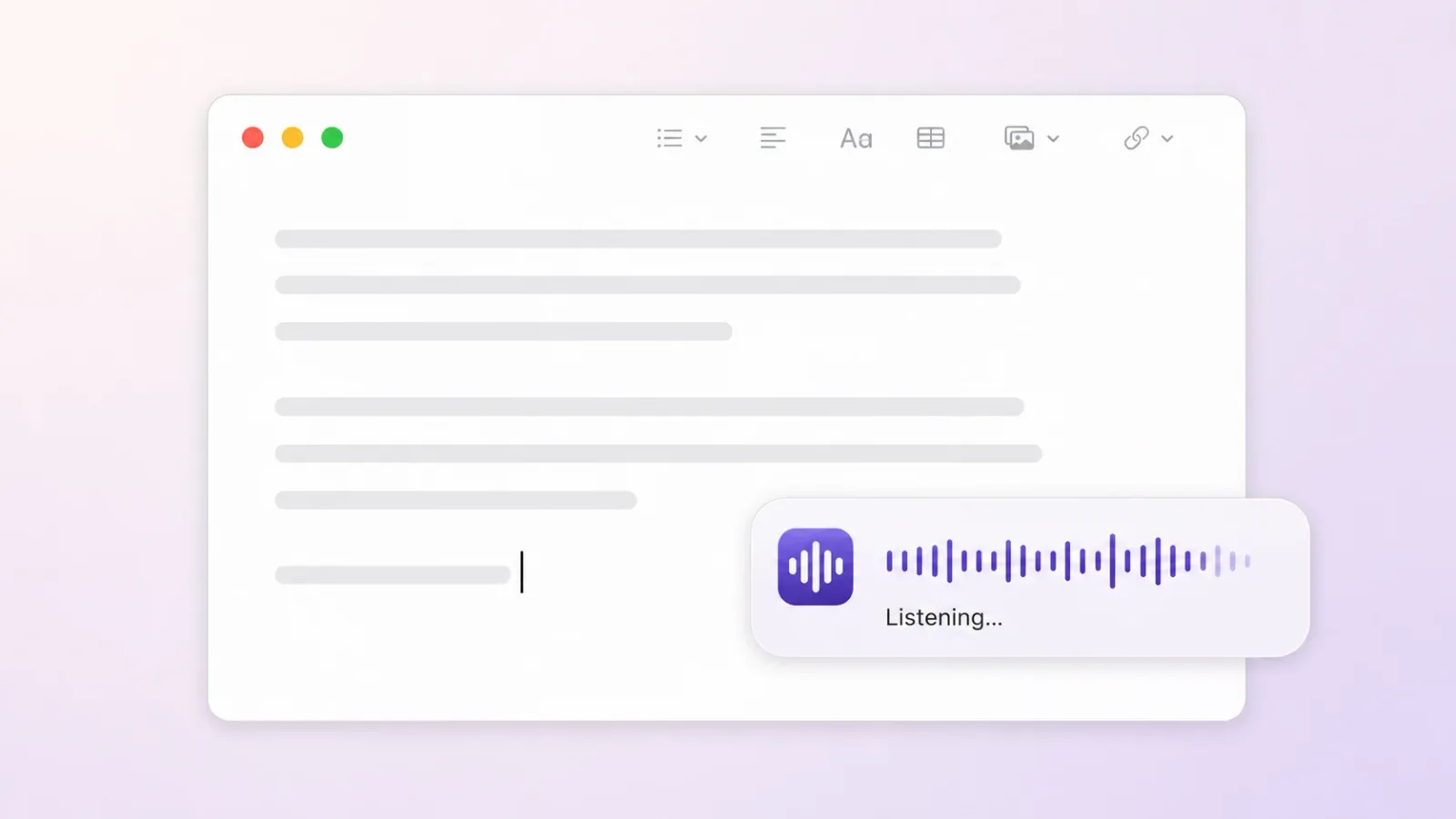

Erik Yager and I built Murmur together. It is a macOS dictation app with one focused job: turn your voice into text wherever your cursor is.
Hold a key, speak, and Murmur types into the app you are already using. That might be an email, a document, a chat, or a code editor. There is no separate transcription window to manage and no text to copy when you are done.
That simple interaction is only half of the product. The other half is where the transcription happens.
Your voice stays on your Mac
Murmur processes speech directly on your device using local transcription models. Your audio is not uploaded to a server, and the app does not keep a history of your transcriptions.
This matters because dictation often captures unfinished thoughts, private messages, and work that was never meant to leave your computer. Murmur’s account system manages the trial and license, but the audio and the words you dictate stay on your Mac.
Privacy is not an optional mode hidden in the settings. It is part of how the app works.
Dictation inside the apps you already use
The main Murmur workflow has three steps:
- Hold the Right Option key to dictate. You can also press
Control + Option + Spaceto toggle hands-free mode. - Speak naturally in English or Spanish. Murmur detects the language automatically.
- Continue working when the text appears at your cursor.
Because Murmur inserts the result through the standard macOS paste mechanism, it works with practically any app that has an editable text field. The tool fits into an existing workflow instead of asking you to move that workflow somewhere else.
This makes dictation feel less like a separate transcription task and more like another way to type.
Two local transcription models
Murmur includes two model options for different situations. Parakeet v3 is the default and the faster choice for everyday use. Whisper large-v3-turbo is available when you want an alternative for more difficult audio.
Both models are downloaded to the Mac and run there. Local processing also comes with clear system requirements: Murmur supports Apple Silicon Macs running macOS 14 or newer.
A deliberately focused app
Murmur is not a notes app, an AI rewriting assistant, or an archive of past recordings. Its job ends when your words reach the cursor.
That boundary keeps the interaction predictable. You do not have to move a transcript between tools or wonder where old recordings are stored. You dictate, get text, and carry on with what you were doing.
It also keeps expectations honest. Speech recognition can still make mistakes, particularly with names, technical terms, or unclear audio. Dictated text deserves the same review you would give something typed on a keyboard.
Try Murmur in your own workflow
Murmur comes with a seven-day free trial. Sign-in uses a short code sent by email rather than a password, and one account can activate up to three Macs.
If much of your day involves writing on a Mac and you want a more direct way to get words onto the screen, download Murmur from its official site. Hold a key, speak, and keep going.